
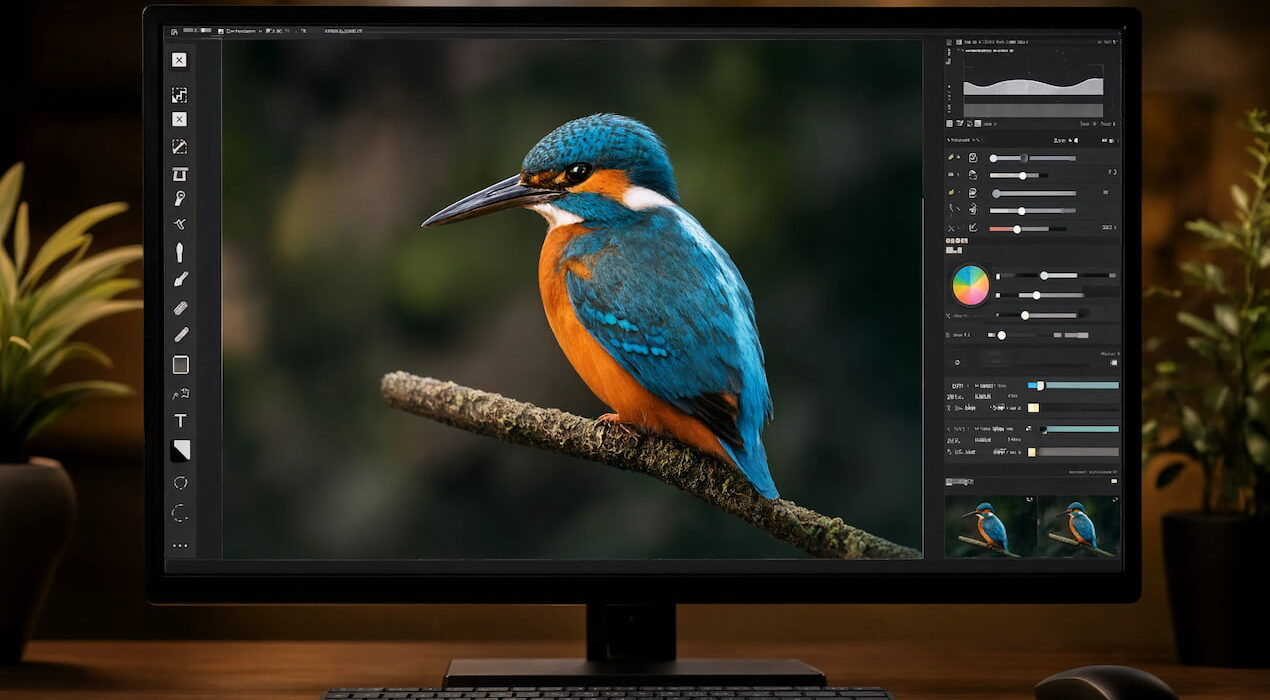
Lightroom Masking Trick That Makes Bird Photos Stand Out
A simple Lightroom masking trick can turn a flat bird photo into a dramatic image. Bird photography often needs careful editing because backgrounds, colors, and lighting can easily look dull.
Photographer Christian Möhrle recently demonstrated a complete editing workflow for a bird image. His process focuses on masking, color contrast, and subtle lighting changes that make the subject pop.
Start with Cleanup and Basic Adjustments
First, Möhrle crops the image to center the bird. He then uses Lightroom’s generative AI remove tool to delete distracting branches. Next, he switches to the Adobe Landscape profile. This profile adds extra saturation. He also raises exposure, lowers highlights, and lifts shadows to reveal more detail in the bird. A small reduction in dehaze adds a soft glow. As a result, the photo feels less harsh and more natural.
Use Masks to Create Depth
The most important step is the masking process. Instead of using Lightroom’s automatic subject mask, Möhrle selects the bird with the objects mask and rectangle selection tool. This creates a cleaner selection.
He then adds several linear gradients around the bird. These gradients darken the edges of the frame while keeping the bird protected from the effect. In addition, he cools the background colors slightly. The cooler background contrasts with the warmer bird, which creates a stronger sense of depth. He also lowers texture and clarity in the corners to soften distracting branches.
Enhance the Bird’s Eye
To finish the edit, Möhrle adds a small mask to the bird’s eye. He increases exposure, shadows, whites, clarity, and texture. Therefore, the eye becomes brighter and sharper without looking unnatural.
Fine-Tune Colors for a Professional Look
Finally, he adjusts the color mixer. He shifts greens and yellows toward orange, boosts blue and aqua saturation, and darkens the blue background.
The result is a bird photo with stronger color separation, more depth, and a professional look. This Lightroom masking trick shows how careful local adjustments can make a much bigger impact than global edits alone.