
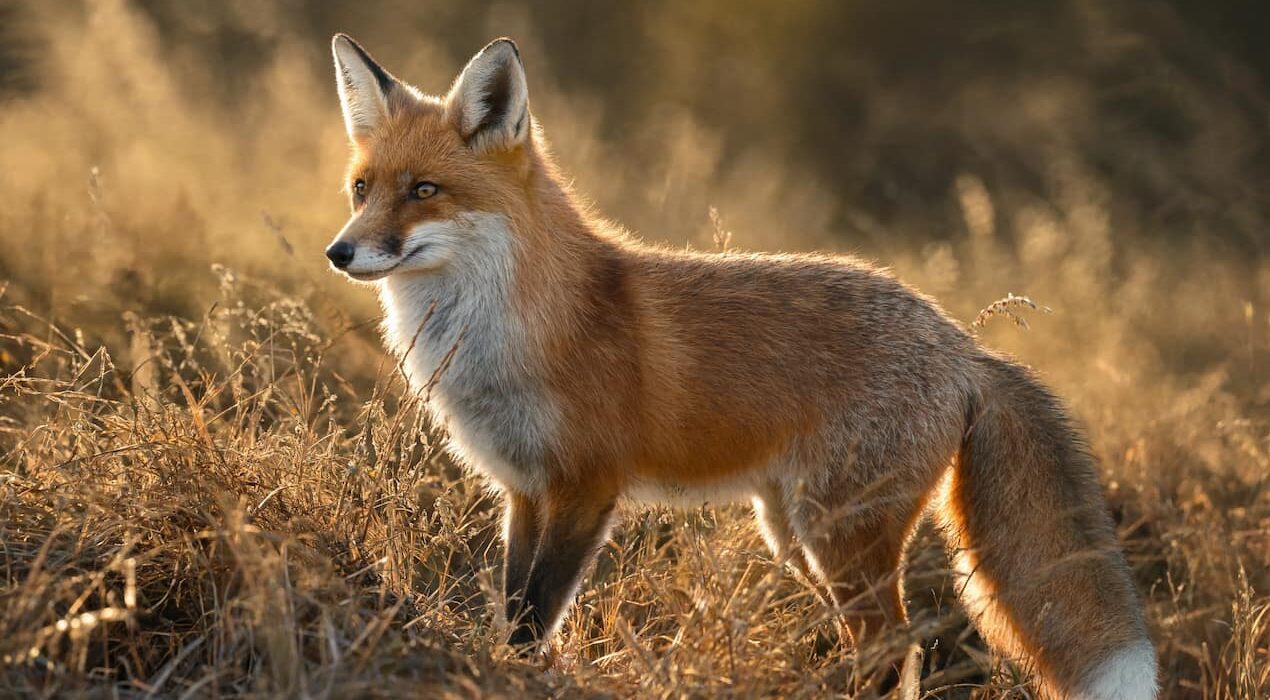
Lightroom Subject Pop Techniques That Instantly Improve Wildlife Photos
Creating a sharp image is important. However, making your subject stand out is what truly grabs attention. A few smart editing techniques can transform an ordinary photo into a striking image. Photography educator Alex Cooke recently highlighted a workflow shared by photographer Matt Shannon. The method uses both Lightroom and Photoshop to create stronger subject separation. As a result, wildlife photos appear more professional and engaging.
How Lightroom Helps a Subject Stand Out
Shannon begins his process in Lightroom by darkening the background. He uses linear gradients and adjustment masks to reduce distractions around the main subject. One useful feature is Lightroom’s subject subtraction tool. This tool prevents adjustments from affecting the subject itself. Therefore, only the background becomes darker while the subject remains untouched.
To keep the edit looking natural, Shannon manually brushes shadows around the edges. This step removes unwanted halo effects and creates a smoother transition. Next, he adds a subtle light source using a radial gradient. The added warmth helps draw attention to the subject. In addition, lowering the dehaze setting creates a soft atmospheric effect instead of a harsh spotlight.
The combination of warm highlights and cooler shadows adds depth. Shannon also brightens the subject’s eye with a small brush adjustment. Although the change is minor, it immediately attracts the viewer’s attention.
Adding Realistic Light Effects in Photoshop
Photoshop allows even more creative control. Shannon creates a synthetic lens flare using a solid color layer and the Lens Flare filter. He places the flare where natural light would appear in the scene. Then he changes the layer blending mode to Screen. As a result, only the light effect remains visible. Afterward, he removes unwanted flare artifacts with Photoshop’s Remove tool. He also applies Color Balance adjustments to warm the highlights and cool the shadows.
Finally, Shannon uses a layer mask to protect the subject from excessive light. This preserves feather detail and keeps the image realistic. The strength of this workflow lies in its subtlety. Each adjustment is small, yet together they create a stronger visual impact. The final image feels naturally lit, more three-dimensional, and far more engaging. For photographers looking to improve wildlife images, these Lightroom subject pop techniques offer an effective and easy-to-follow solution.