OpenClaw App Launches on iPhone and Android With a Catch
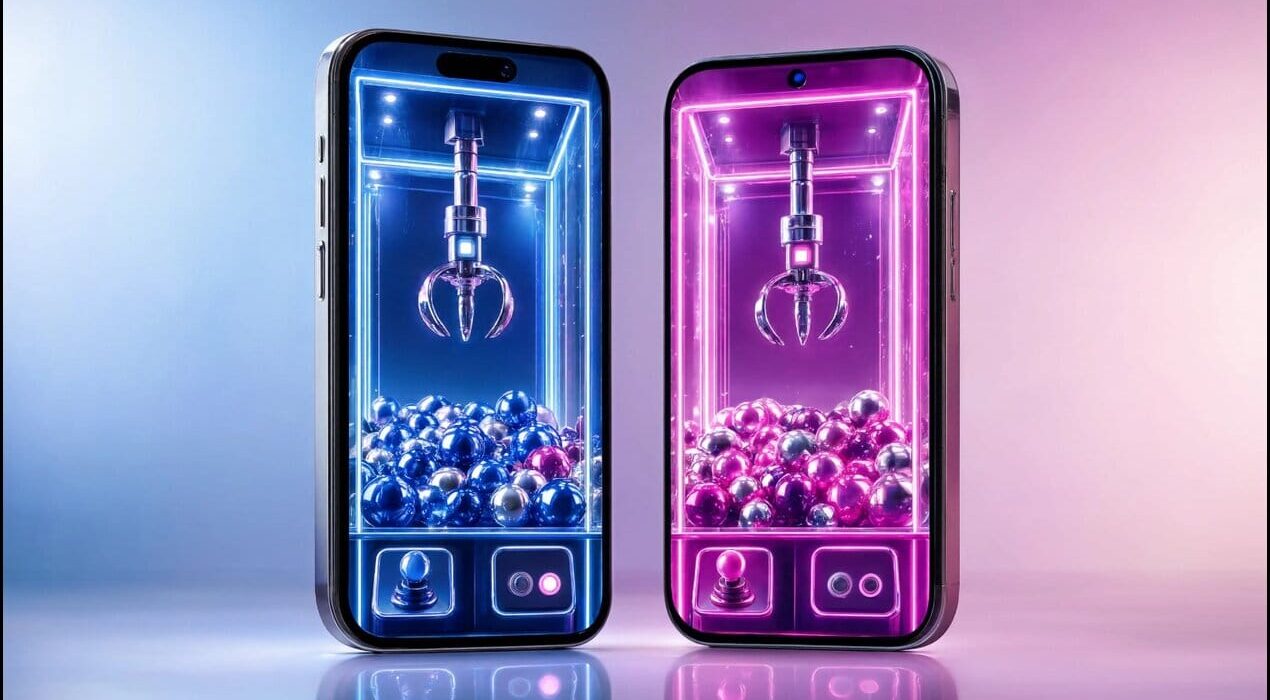
The OpenClaw app is now available for both iPhone and Android users. The launch brings the open-source AI assistant to mobile devices for the first time. As a result, users can interact with their AI agents from almost anywhere. The mobile apps support chat, voice interaction, and task approvals. Users can also grant access to features such as the camera, location, contacts, and calendar. Therefore, the app can perform more personalized tasks when permissions are enabled. However, there is an important limitation. The mobile app is not a complete standalone AI assistant. Consequently, users must connect it to their own OpenClaw Gateway to unlock its full functionality.
The Catch Behind the Mobile Launch
Unlike many AI apps, OpenClaw follows a local-first approach. Users control their own gateway, settings, permissions, and data. For example, the phone acts as a companion device instead of running every AI function independently. This design improves privacy and gives users greater control. However, it also requires additional setup before the system becomes fully operational. As a result, the experience may be less convenient for beginners. Early user feedback has also been mixed. Some users appreciate the flexibility and open-source design. Meanwhile, others have reported pairing issues and software bugs during the initial release.
Why the Launch Matters
The OpenClaw app reflects the growing interest in AI agents that can complete tasks instead of simply answering questions. Therefore, mobile access represents an important step for the platform. Although the setup process may discourage some users, the local-first model offers stronger privacy and customization. Consequently, experienced users may find the trade-off worthwhile. As OpenClaw continues to evolve, future updates could improve stability and simplify installation. Furthermore, the official mobile apps make AI-powered automation more accessible while keeping users in control of their personal data.