Windows 11 Adds New Full-Screen App Option for Small Devices
Microsoft is testing a new Windows 11 full-screen apps option for its operating system. The feature could make smaller devices easier to use.
The new setting appears inside Windows Settings. It lets users automatically open app windows in a maximized state. Currently, many Windows apps open in windowed mode by default. Users must maximize them manually when they want a larger view. The upcoming option could remove that extra step. Once enabled, supported apps should open maximized automatically.
Better for Handheld Gaming PCs
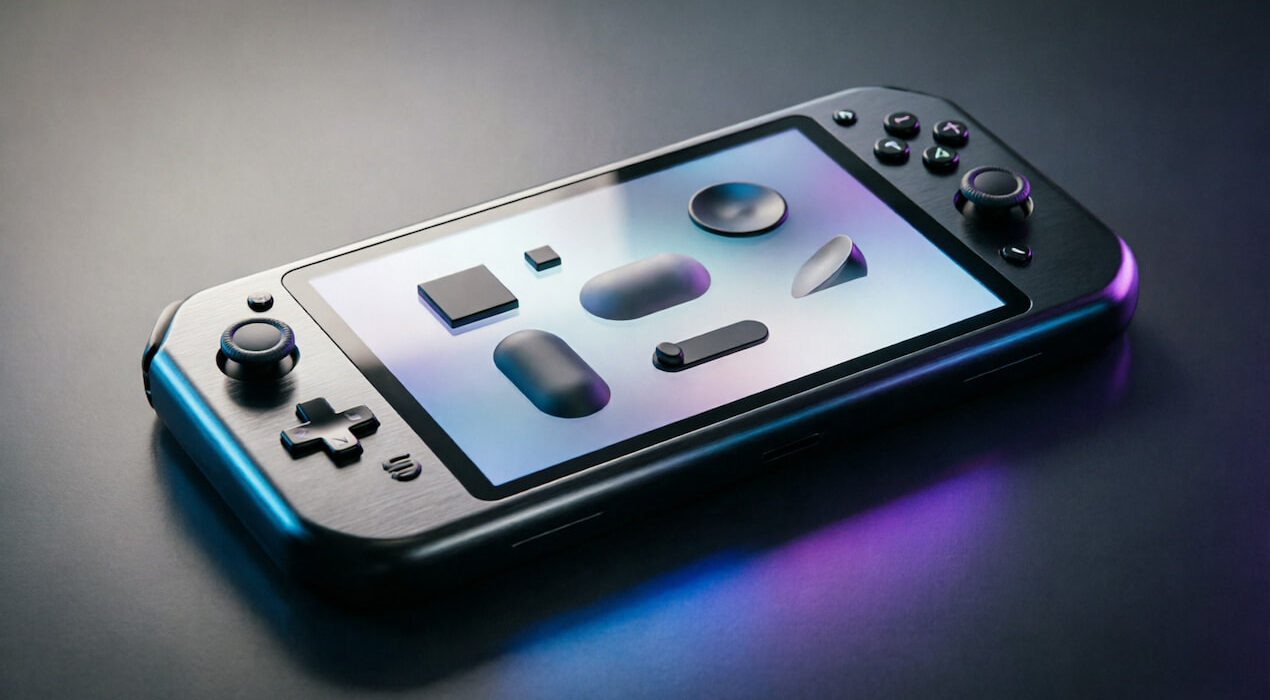
The feature could prove especially useful on devices with small displays. Screens below 13 inches often provide limited space for traditional windowed apps. PC gaming handhelds could benefit even more from the change. Devices such as the ROG Xbox Ally X have compact displays designed for portable gaming. Small tablets could also provide a better experience with the new setting. Users would gain more usable screen space without manually resizing every application. The option could also help PCs connected to large televisions. Users watching movies or playing games may prefer apps to open maximized immediately.
Microsoft Has Automatic Maximization
Microsoft previously used automatic maximization on some small-screen Windows devices. However, that behavior later disappeared from the operating system. Now, Microsoft appears ready to give users direct control over the behavior. The setting could eventually work across different screen sizes. The feature remains in preview testing for now. Microsoft has not confirmed when it will reach the stable Windows 11 release.